Godfrey Logo
About Us  |  Contact Us  |  B2B Insights Sign-Up SEARCH
Top Right Corner Fade
B2B Insights Blog
Home > Ideas & Insights > B2B Insights Blog > Never Let Them See You Sweat
B2B Insights Blog
April 11, 2006 | 8:54am
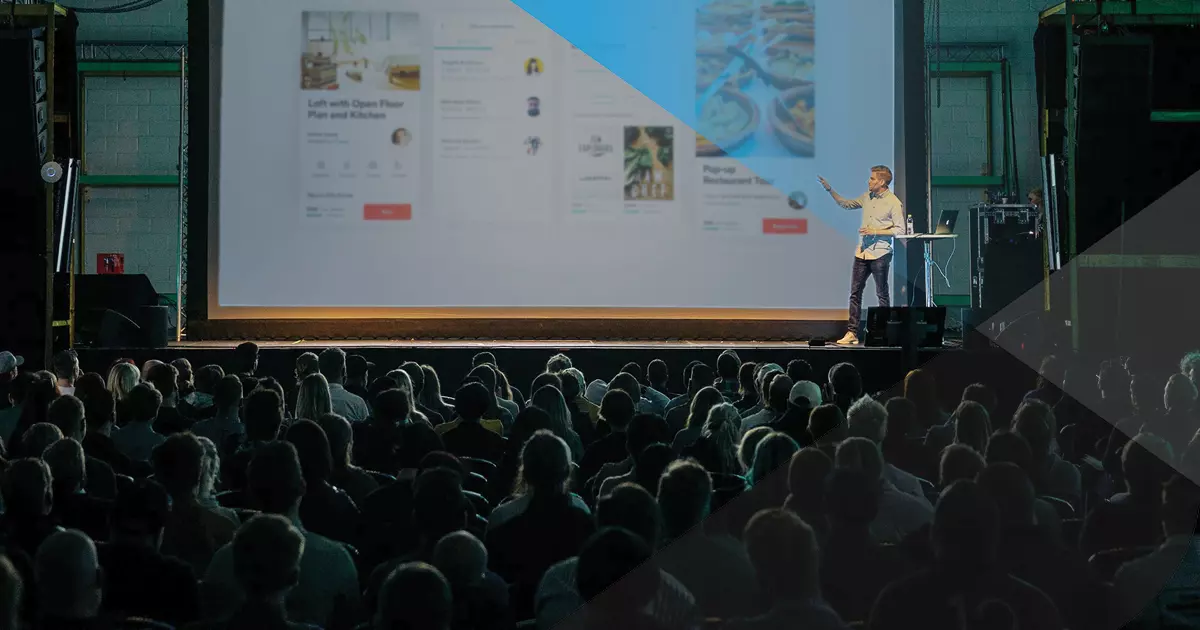
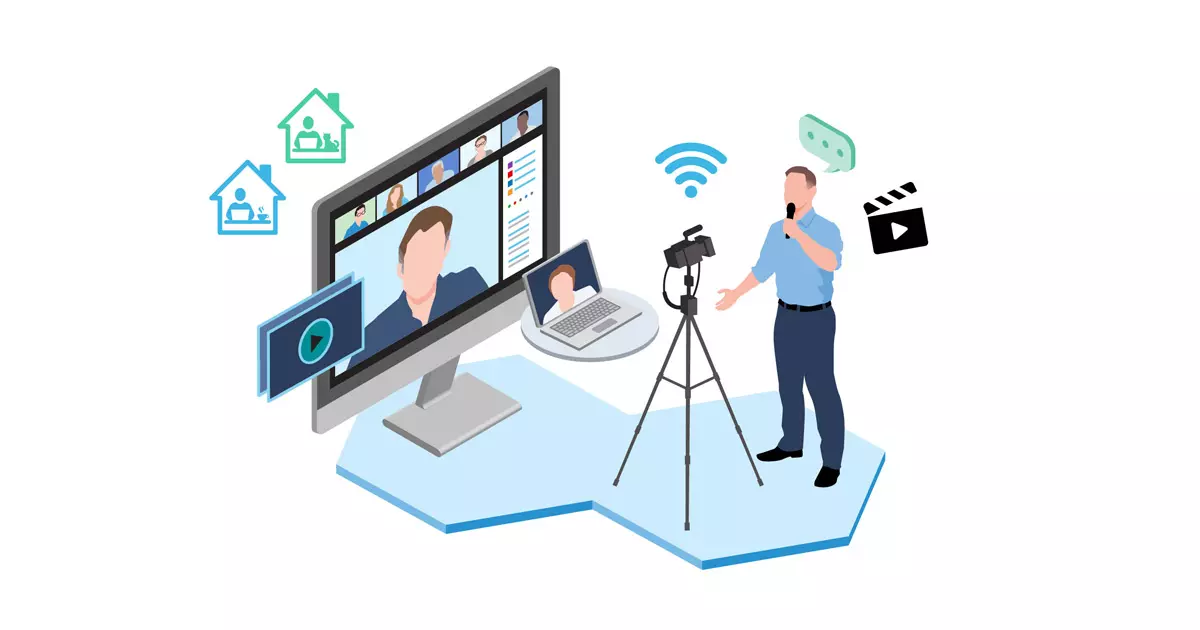
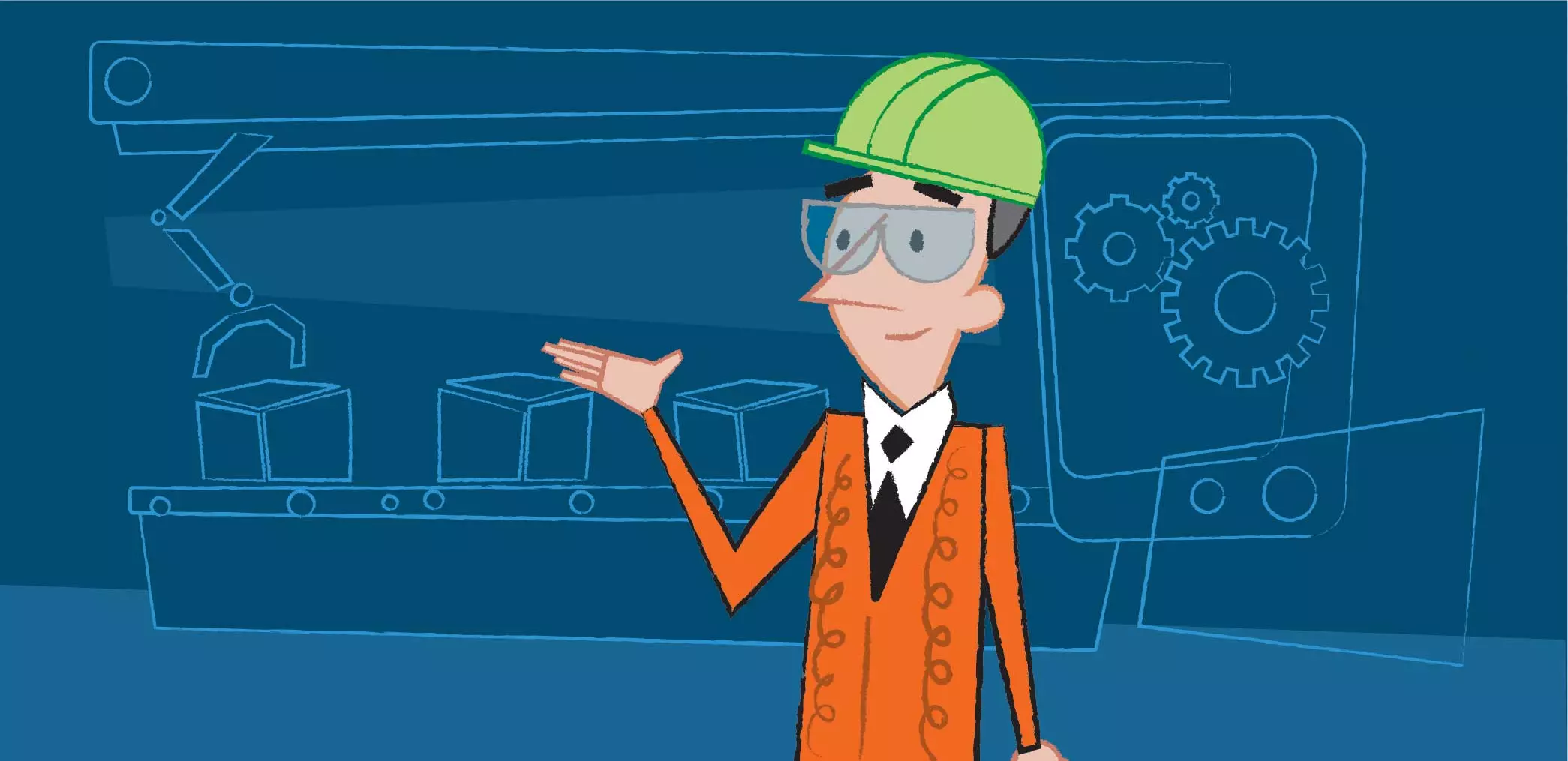
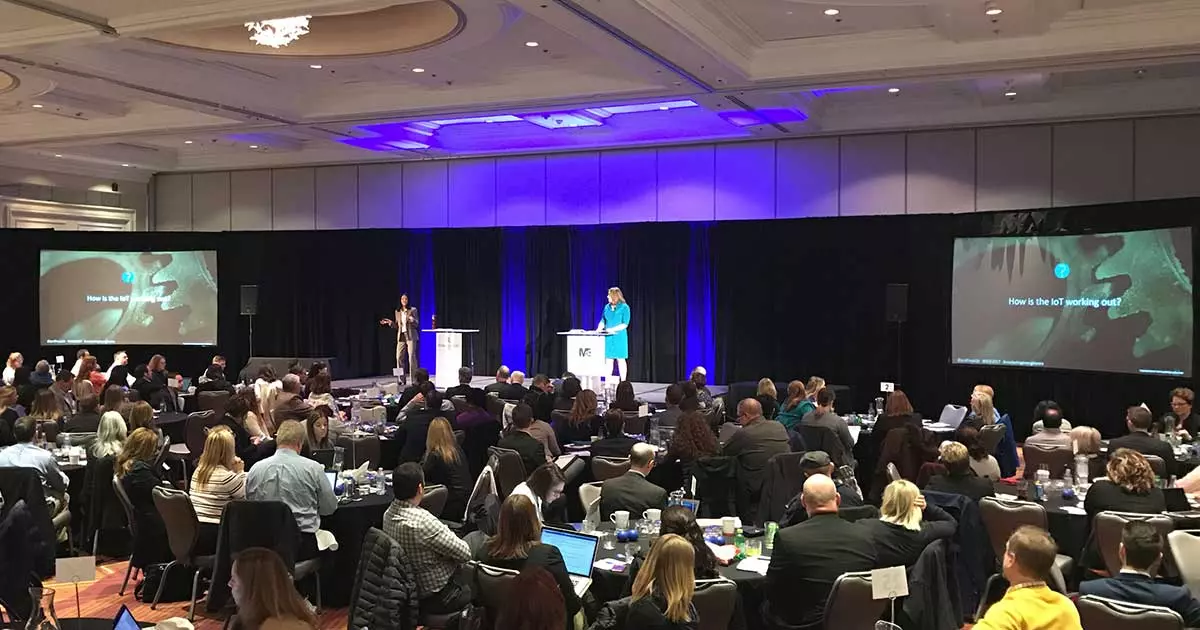
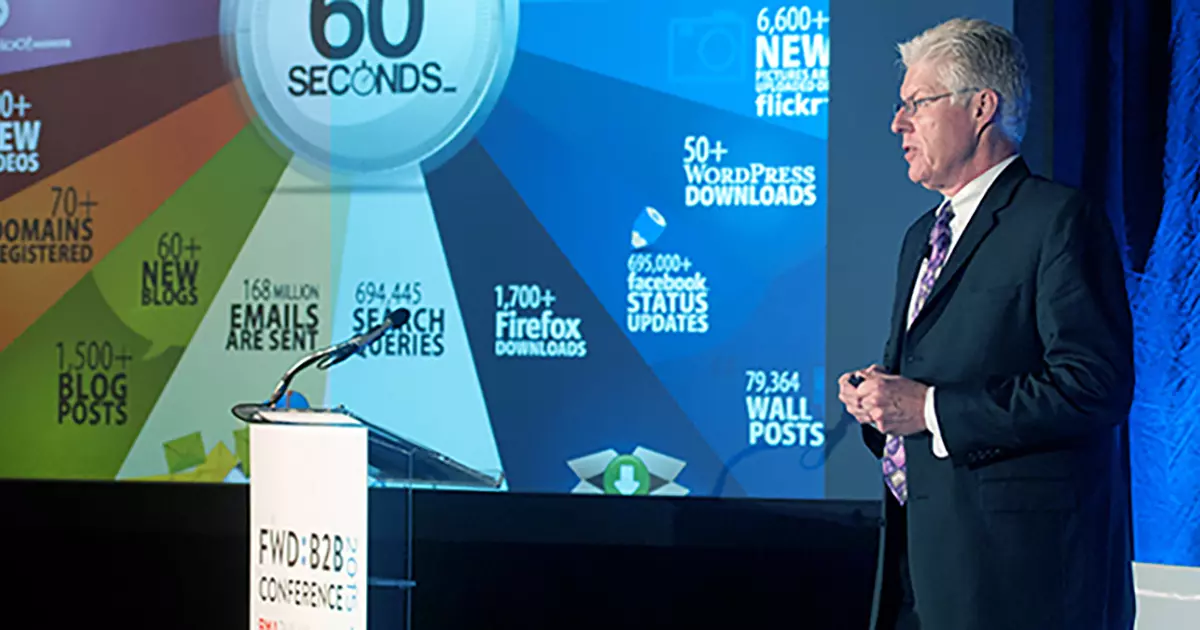
When it comes to important trade show or corporate presentations, the next most important thing besides content and the "human" performance is the technical delivery.

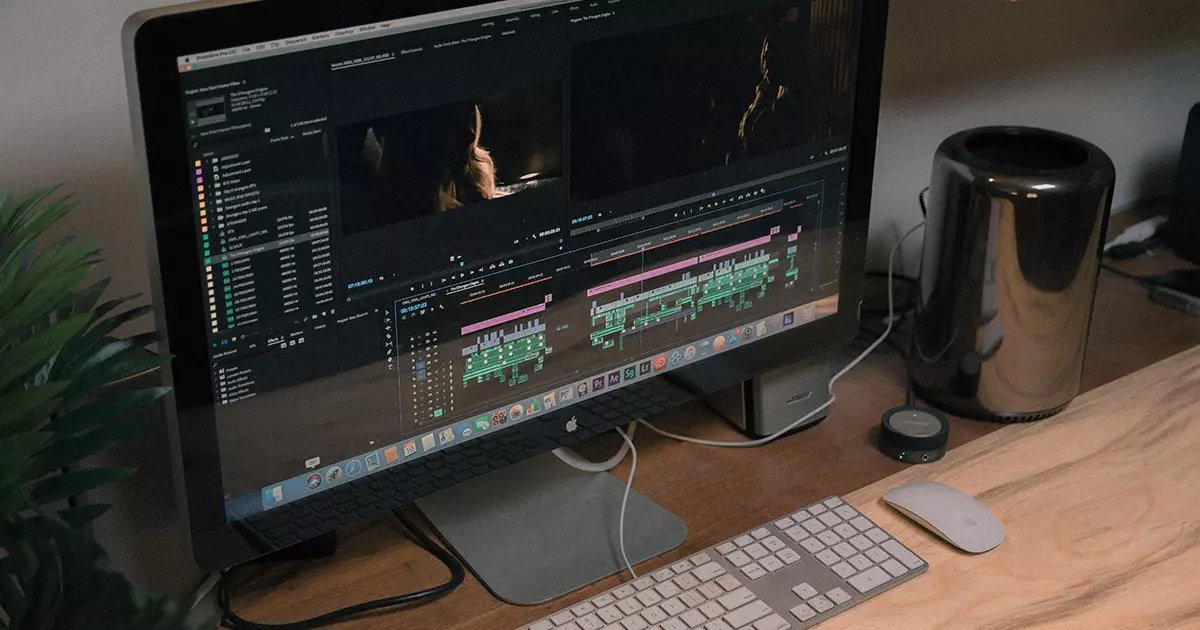
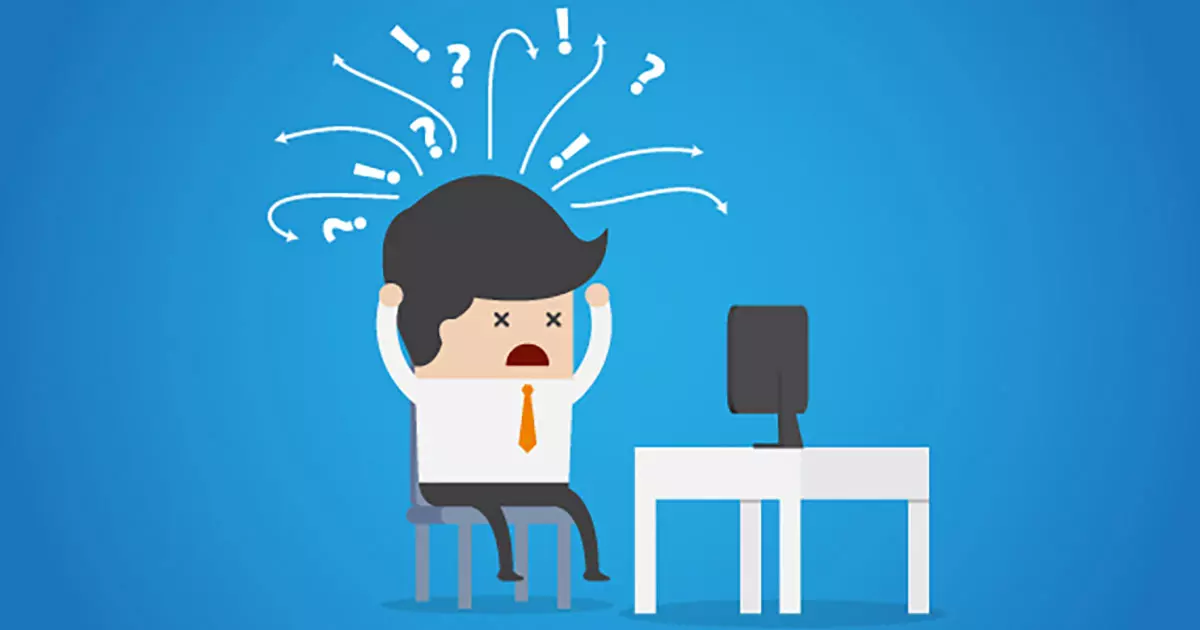
Have you ever seen somebody start to nervously sweat as frames drop on his video presentation, or slide transitions bring up the dreaded hourglass in her 50th PowerPoint slide (embedded with Windows movies)? It's not pretty.

I think this is probably more of an issue today than it's ever been. I've been noticing lately that clients want much more than your typical photo slideshow or progression of bulleted list. Maybe they've always wanted more, but until recent times the technology (at affordable costs) wasn't there yet. Presentations ranging from background "eye candy" to product overviews are often replete with voiceovers and soundtracks, motion graphics, and embedded video. This ties-in with an article I read recently about home consumer computing driving trends in the corporate world, but that's a topic for another blog.

This is all good stuff, but it also requires horsepower and, even more importantly, careful consideration of content execution. Some types of presentations can only be executed certain ways - an interactive specifier using multimedia elements and calling for a lot of animation really demands Flash for execution. And sometimes, quite frankly, anything beyond PowerPoint is overkill.
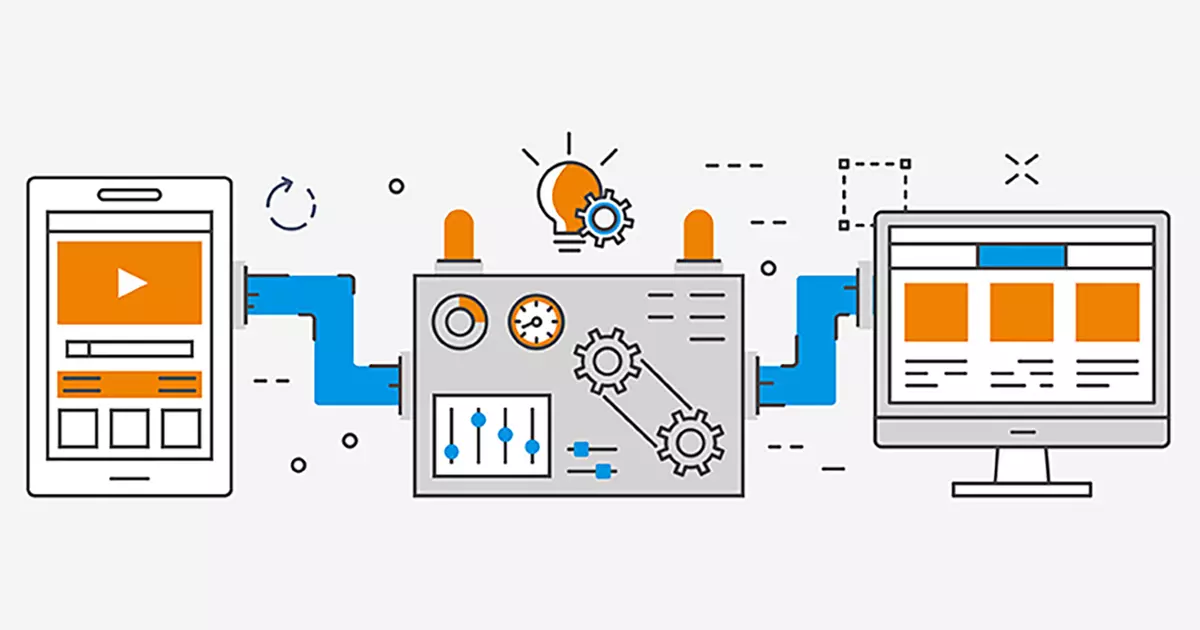
In other cases, though,  there may be ways to execute presentations that may not be "traditional" but provide good performance nonetheless. For example, if you've got a PowerPoint that consists of lots of images, sounds, and movies, consider authoring your presentation as a DVD.

DVD presentations have much to recommend them. They can be played on computers hooked into projectors or large displays, or on standard set-top players hooked into TV sets. With PowerPoint, on the other hand, you've pretty much got to have a computer on-hand.

Also, the entire presentation can be controlled using your DVD remote. And with programs such as Apple's iMovie and iDVD, it's easy to program click actions  and sub-menus to serve as navigation.

DVD-based presentations, of course, can easily handle audio and video, and this is where the differences really become apparent. Even a cheap DVD player will show your content in all its glory without dropping a frame. Your ThinkPad, on the other hand...well, it might play just fine back at the hotel room, but we all know that it doesn't take much to throw it off.

(Oh, another bonus: Once a presentation is authored for DVD playback, it's a quick step to export that same presentation to smaller hard-drive or Web-friendly, self-contained formats such as Quicktime or Windows Media. Author once, use everywhere!)

Just one or two stutters or hiccups can really detract from your presentation, so carefully consider how it will be delivered from a technical standpoint. And for Pete's sake, test it out on hardware matching or at least very similar to the gear you'll be using at your presentation.

There are all kinds of quotes about being prepared which I can include here, but I think you know the ultimate goal: to give a fantastic presentation without breaking out into a sweat!
Comments
We reserve the right to remove any comments which are obscene, offensive or otherwise deemed inappropriate for this site. Please see our Guidelines for more information.

Post Comment


Corner Cut      
Bottom Corder Fade   Bottom Right Corner Fade
  RSS  |  Client Extranets  |  Site Map  |  Terms & Conditions  |  Home
© Godfrey     http://www.godfrey.com/404error.aspx